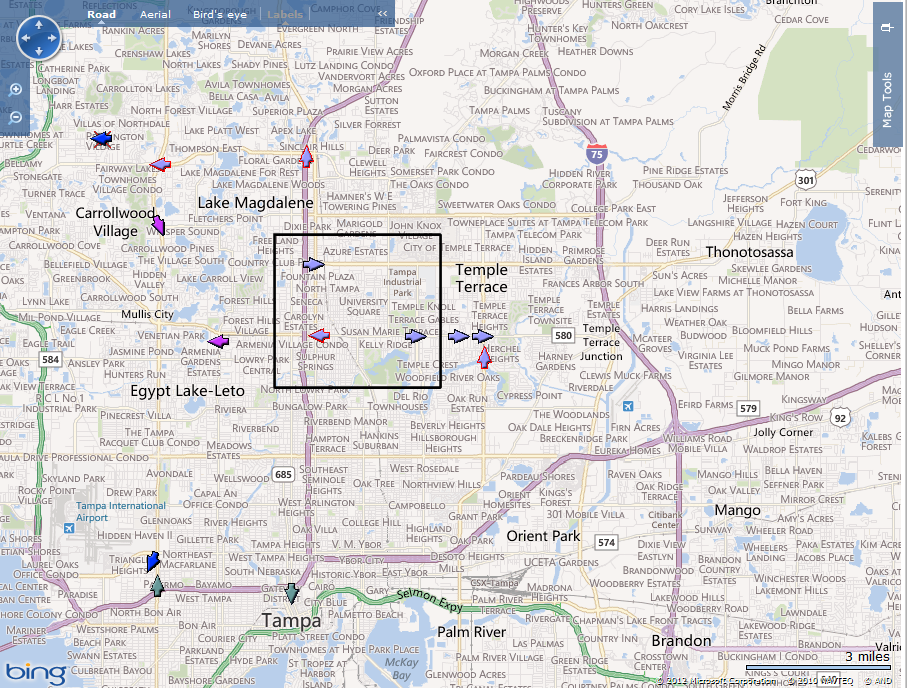
The Zoom to Area feature allows users to view the GPS points contained within a specific area.
Right click on the map.
Left click Zoom to Area.
Hold down the left mouse button and drag the cursor across the screen until you have created the desired area.
Release the left mouse button.
